Inputting & Formatting dates
There are a number of ways that dates can be called and formatted using Gizmo in orgvue
Functions must be captialised as shown
Input Dates
Dates in Orgvue Gizmo may be entered in the following formats
- yyyy,mm,dd
- yyyy-mm-dd (ISO Format)
- Calling a Date Property
- Use of the
now()ortoday()functions
Unlike JavaScript Date, where month is zero indexed, in Gizmo January is month 1
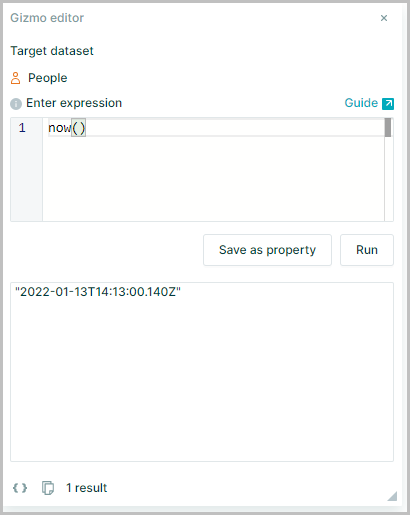
Now
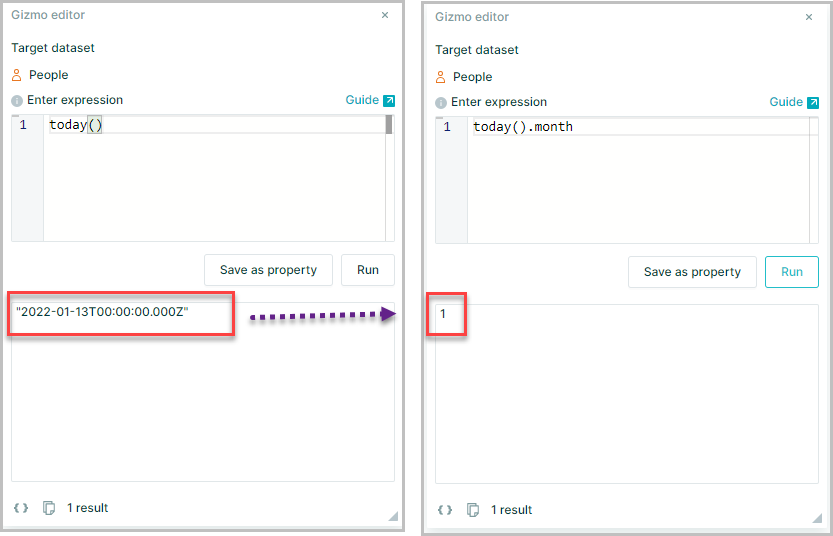
now() returns the current date and time UTC
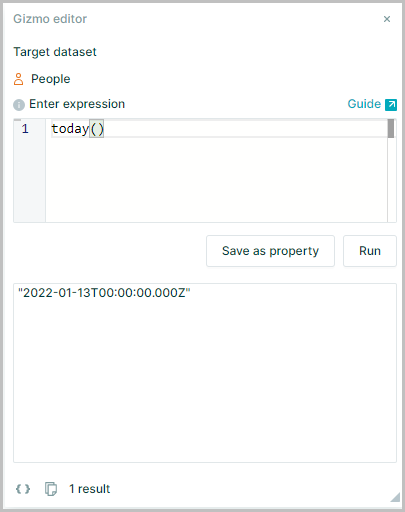
Today
today() returns the current date UTC
Day Of Week
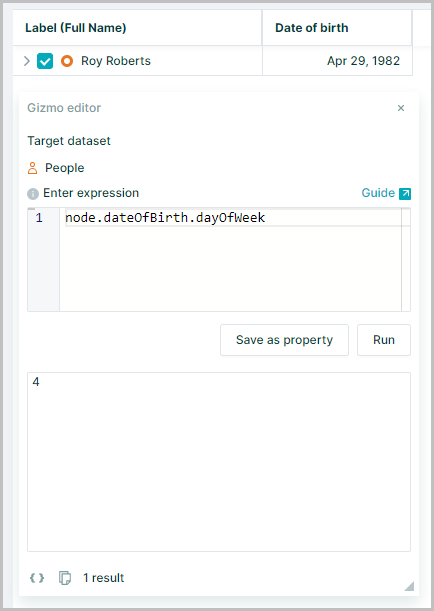
.dayOfWeek Returns the day of the week for an Input Date, as an integer
node.dateOfBirth.dayOfWeek
Day Of Month
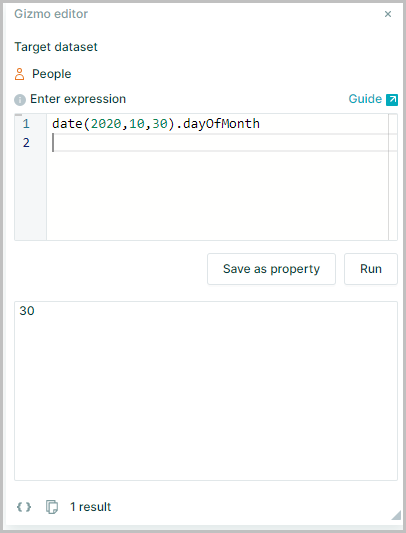
.dayOfMonth Retunrs the day of the month for an Input Date, as an integer
date(2020,10,30).dayOfMonth
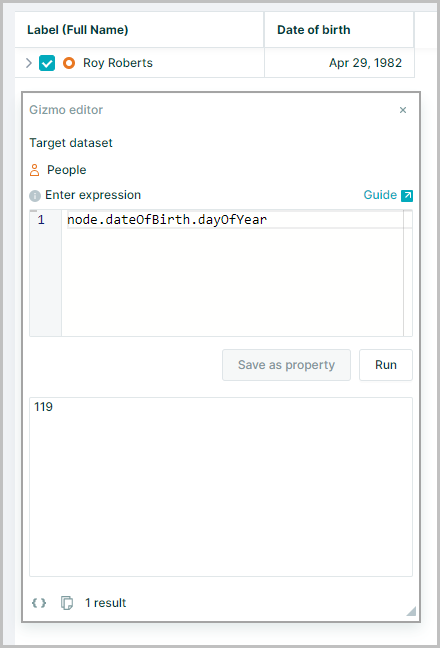
Day Of Year
.dayOfYear Returns the day of the year it falls on for an Input Date, as an integer
node.dateOfBirth.dayOfYear
Month
.month Returns the month of the calendar year for an Input Date, as an integer
today().month
Quarter
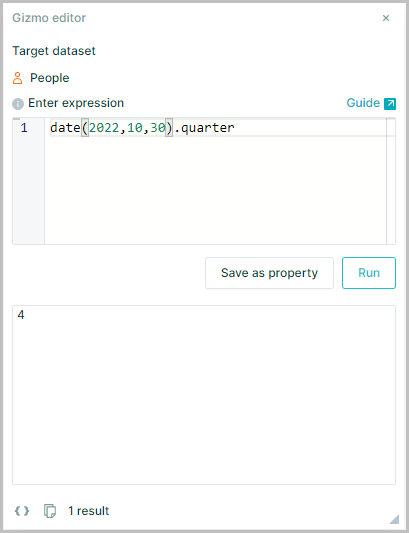
.quarter Returns the quarter of the year it falls on for an Input Date, as an integer
date(2022,10,30).quarter
Year
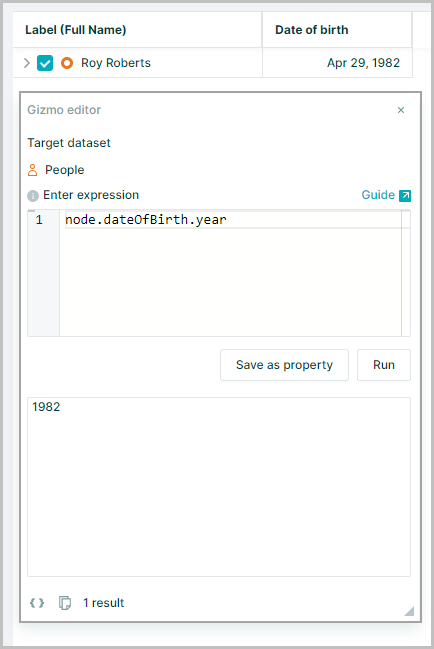
.year Returns a date as year it falls in as an integer
node.dateOfBirth.year
Format Dates
Any Input Dates can be formatted with format() so that it returns a string (text) in the specified format
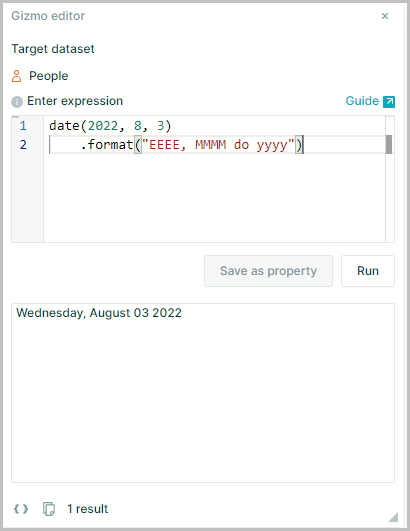
date(2022, 8, 3).format("EEEE, MMMM do yyyy")
Returns Wednesday, August 3rd 2022
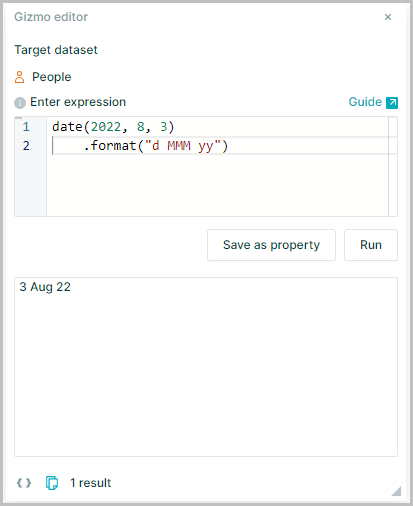
date(2022, 8, 3).format("d MMM yy")
Returns 3 Aug 22
Date Format Options
The string that is returned can be configured in many ways
The format tokens supported and the output format are listed below
The tokens should be entered within the () of the format() function, enclosed in " " with any delimiters also included
e.g.
date(2022, 8, 3).format("d/MMM/yy")
Returns 3/Aug/22
| token | value |
|---|---|
| Month | |
| M | 1, 2, ..., 12 |
| Mo | 1st, 2nd, ..., 12th |
| MM | 01, 02, ..., 12 |
| MMM | Jan, Feb, ..., Dec |
| MMMM | January, February, ..., December |
| Quarter | |
| Q | 1, 2, 3, 4 |
| Qo | 1st, 2nd, 3rd, 4th |
| Q1, Q2, Q3, Q4 | |
| QQQQ | 1st Quarter, 2nd Quarter, 3rd Quarter, 4th Quarter |
| Day of month | |
| d | 1, 2, ..., 31 |
| do | 1st, 2nd, ..., 31st |
| dd | 01, 02, ..., 31 |
| Day of year | |
| DDD | 001, 002, ..., 366 |
| DDDo | 1st, 2nd, ..., 366th |
| DDDD | 0001, 0002, ..., 366 |
| Day of week | W/C Sunday |
| e | 1, ..., 7 |
| eo | 1st, ..., 7th |
| ee | 01....07 |
| E | Sun, Mon, ..., Sat |
| EEEE | Sunday, Monday, ..., Saturday |
| Day of week | W/C Monday |
| i | 1, ..., 7 |
| io | 1st, ..., 7th |
| ii | 01....07 |
| iii | Mon, Tue.....,Sun |
| iiii | Monday, Tuesday.....,Sunday |
| ISO Week Number | |
| w | 1, 2, ..., 53 |
| ww | 01, 02,....,52 |
| wo | 1st, 2nd, ..., 53rd |
| Gregorian Week Number | |
| I | 1, 2, ..., 53 |
| II | 01, 02,....,52 |
| Io | 1st, 2nd, ..., 53rd |
| Year | |
| yy | 00, 01, ..., 99 |
| yyyy | 1900, 1901, ..., 2099 |
| Preset Formats | |
| P | mm/dd/yyyy e.g. 08/21/1993 |
| PP | MMM dd yyyy e.g. Aug 21 1993 |
| PPP | MMMM Do yyyy e.g. August 21st 1993 |
| PPPP | EEEE, MMMM do yyyy e.g. Saturday, August 21st 1993 |