Viewing properties
The function view.properties allows you to view information about the properties in a dataset
For example:
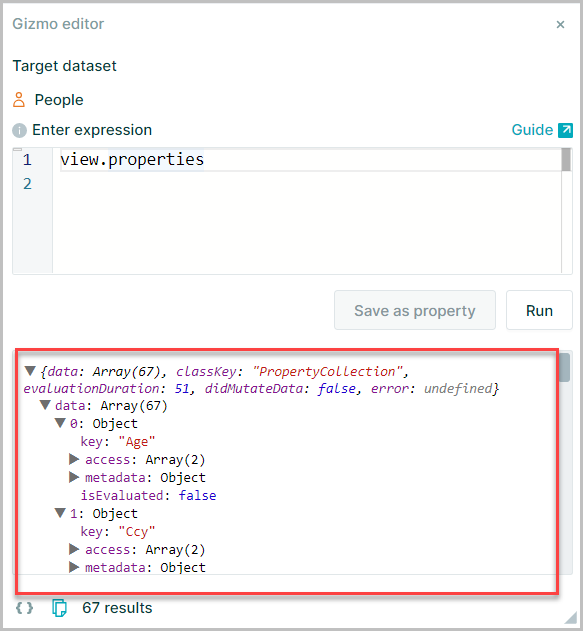
List all properties
view.properties returns a collection that can be used in the same way as node.something
view.properties
Number of properties in dataset
Adding .count will return the number of properties in the dataset
view.properties.count
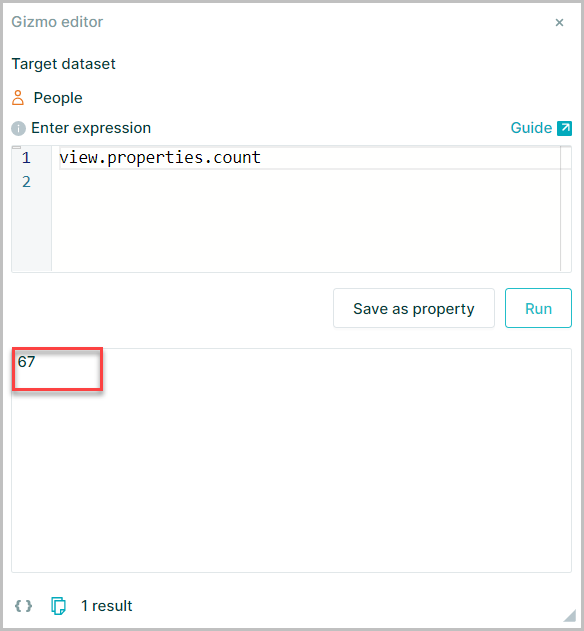
This includes OrgVue-generated properties
Number of data properties
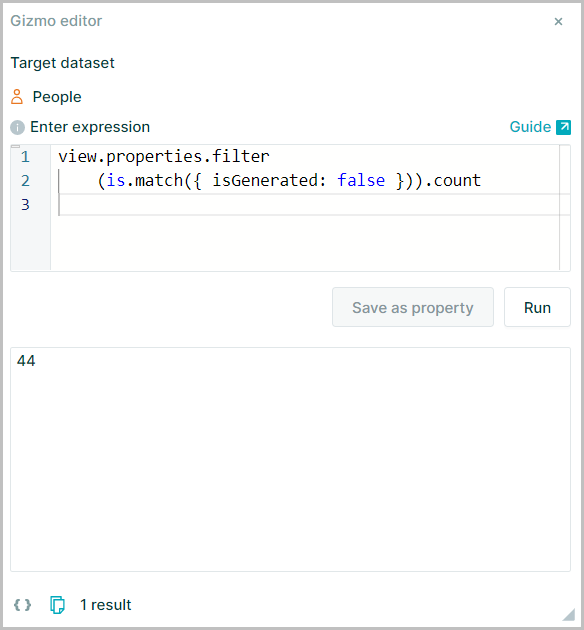
To exclude the generated properties and count data properties only, use
view.properties.filter(is.match({ isGenerated: false })).count
Number of evaluated properties
Evaluated properties are those containing expressions and these can be returned using
view.properties.filter(p=>p.isEvaluated).count
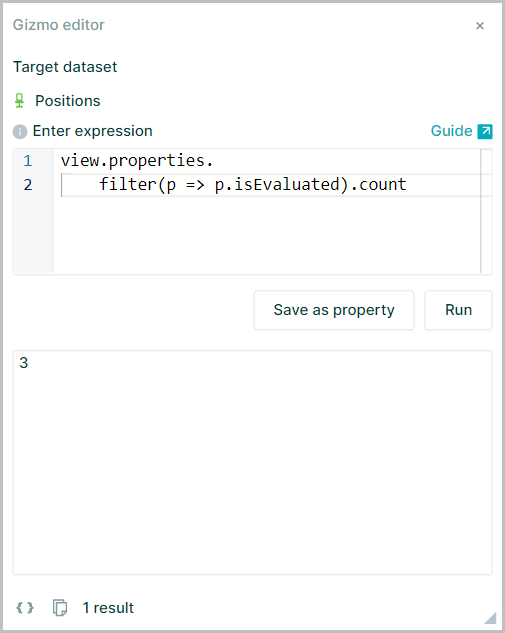
Count of number properties
view.properties.filter(p=>p.type == 'number').count
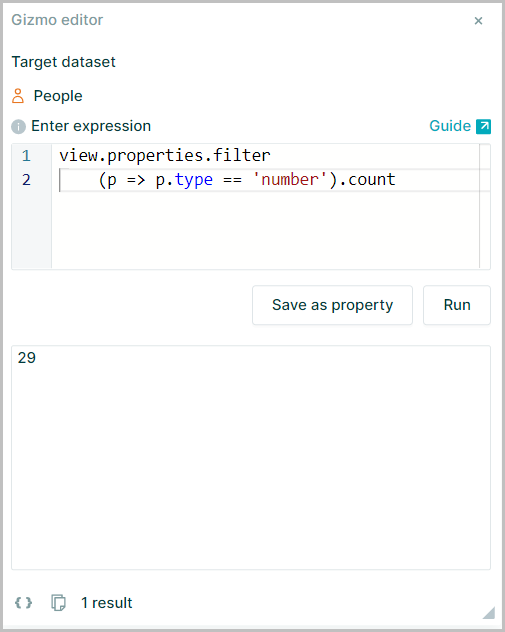
number in this expression may be replace with other property types text, date, boolean to return the relative count
Viewing details of dataset
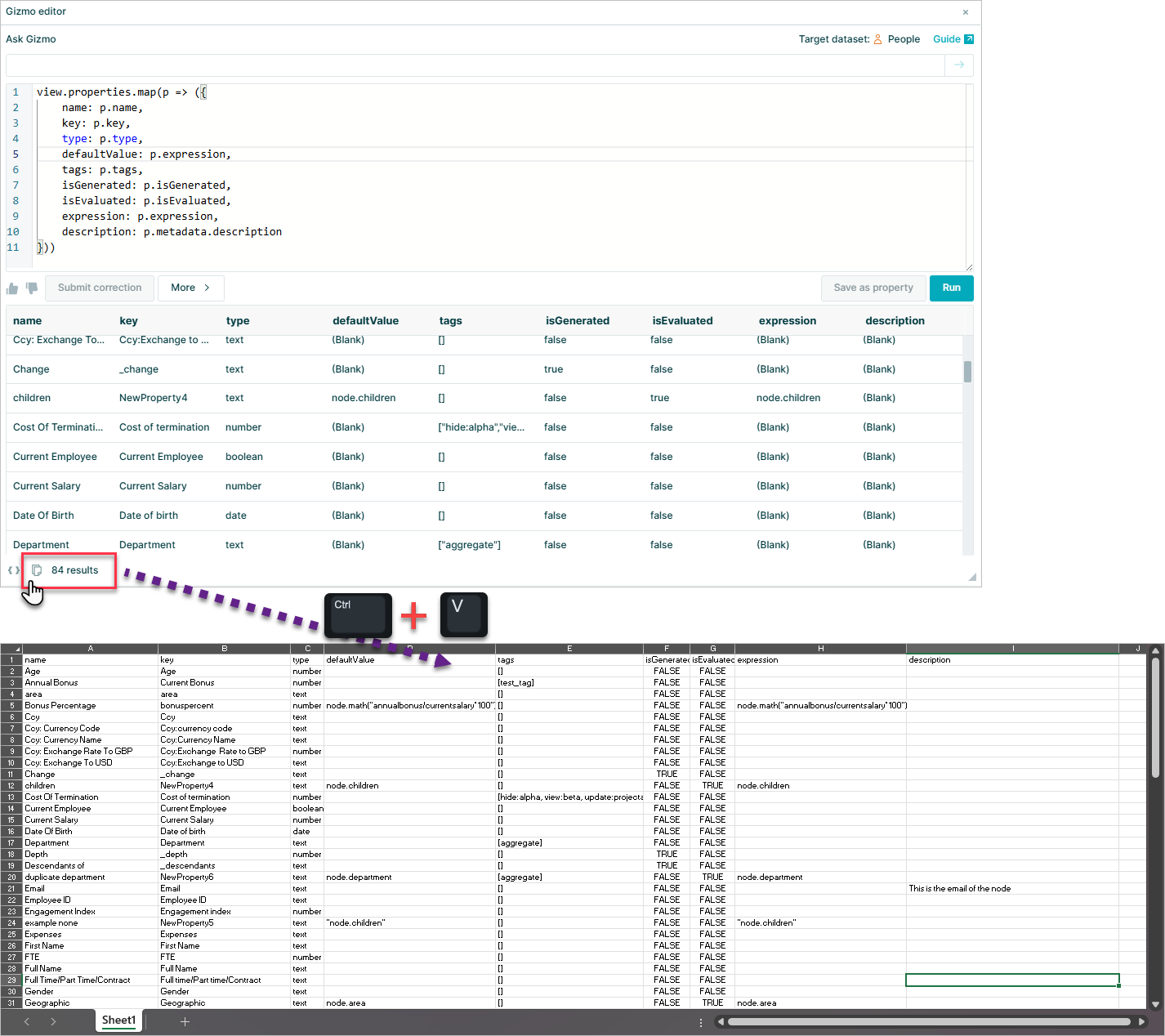
To extract details of all properties in a dataset including:
- Property Name
- Property Key
- Property Type
- Default Value
- Any property tags
- Indicators for generated and evaluated properties
- Expressions
- Any property descriptions
Use:
view.properties.map(p => ({
    name: p.name,
    key: p.key,
    type: p.type,
    defaultValue: p.expression,
    tags: p.tags,
    isGenerated: p.isGenerated,
    isEvaluated: p.isEvaluated,
    expression: p.expression,
    description: p.metadata.description
}))
Which will return the results in a simple table format that can be copied from the Gizmo results window and pasted into spreadsheet
Viewing property buckets of dataset
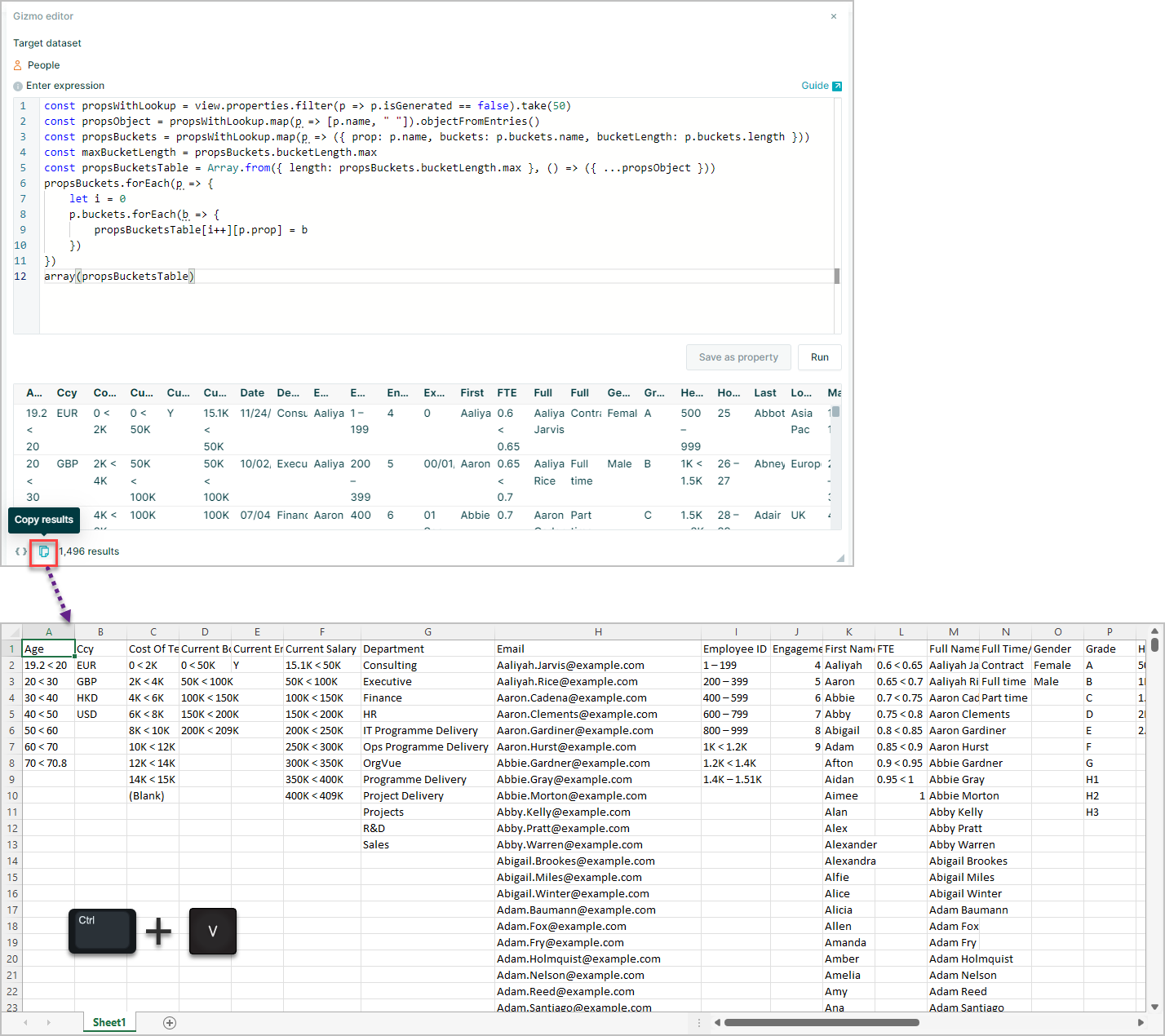
To extract the details of all non generated properties and the buckets within them in a simple table
Use:
const propsWithLookup = view.properties.filter(p => p.isGenerated == false).take(50)
const propsObject = propsWithLookup.map(p => [p.name, " "]).objectFromEntries()
const propsBuckets = propsWithLookup.map(p => ({ prop: p.name, buckets: p.buckets.name, bucketLength: p.buckets.length }))
const maxBucketLength = propsBuckets.bucketLength.max
const propsBucketsTable = Array.from({ length: propsBuckets.bucketLength.max }, () => ({ ...propsObject }))
propsBuckets.forEach(p => {
    let i = 0
    p.buckets.forEach(b => {
        propsBucketsTable[i++][p.prop] = b
    })
})
array(propsBucketsTable)
Which will return the results in a simple table format that can be copied from the Gizmo results window and pasted into spreadsheet