Changing Property Values with setValue
Gizmo may be used to update existing property values or set default values where blanks exist in data
Expressions that update property values should be performed as either on-demand or directly from the Gizmo editor
Updating Specific Values
Specified property values can be updated using Gizmo expressions
This expression will update the current salary of employees in a specific area ("AP") by increasing it by 10%
view.property("Area")
    .bucket("AP")
    .items
    .setValue(n => ({ CurrentSalary: n.CurrentSalary * 1.1 }))
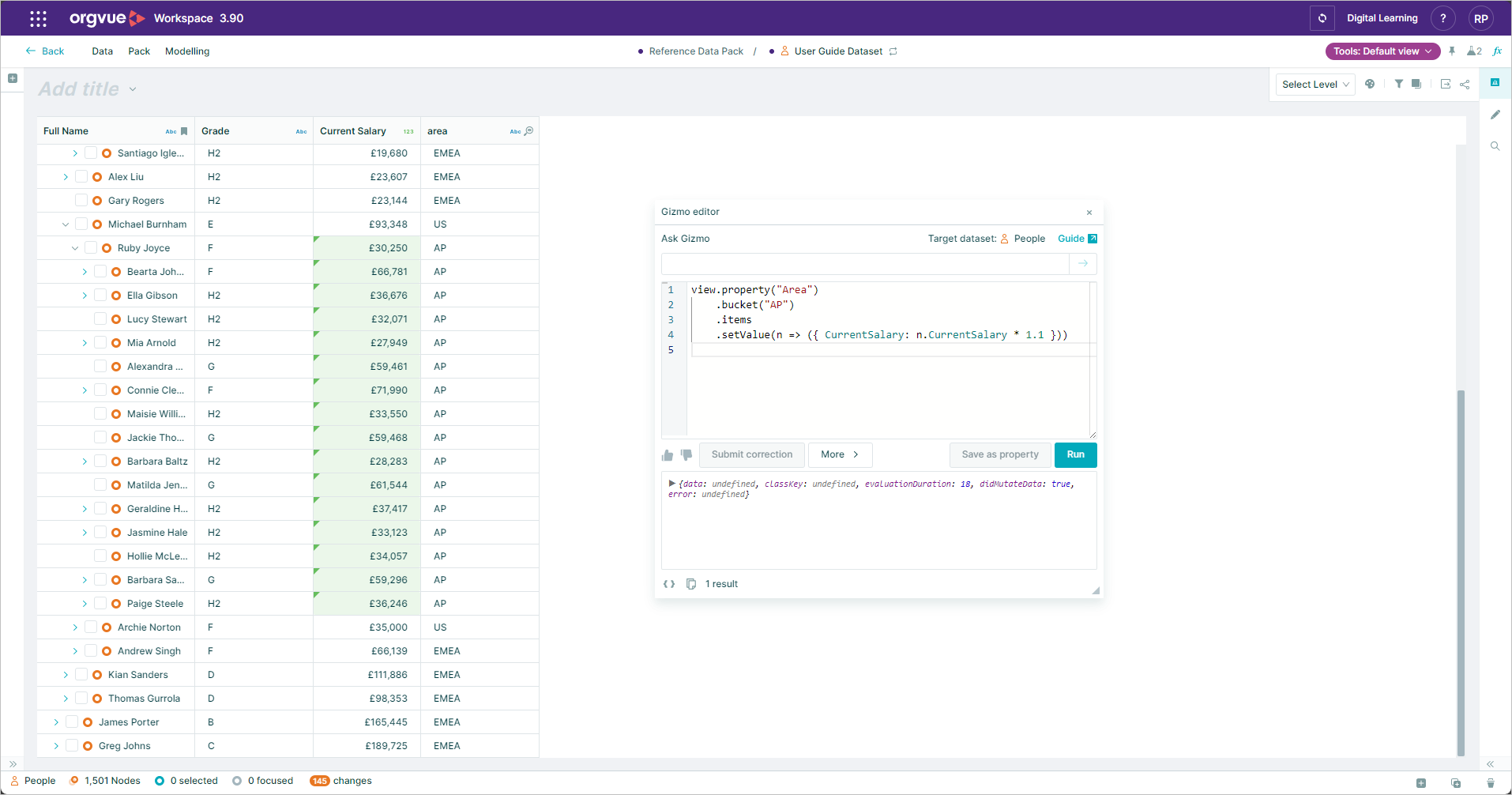
Explanation of the script:
view.property("Area"): This is selecting the property "Area" from the dataset
.bucket("AP"): This is grouping the nodes based on the property "Area" where the value is "AP"
.items: This is accessing the individual nodes within the "AP" bucket
.setValue(n => ({ CurrentSalary: n.CurrentSalary * 1.1 })): For each node, it is setting the value of the property "CurrentSalary" to the current salary multiplied by 1.1 (increasing it by 10%)
Update Values of Similar Nodes
If you need to update property values for similar nodes it is possible to define what properties should be matched on and then provide new values for other properties
Here we wish to increase the salary of everyone sharing the same grade and department as this employee by 15% and their bonus by 20%
node
    .intersectionOn("Grade", "Department")
    .setValue(n => ({
        currentSalary: n.currentSalary * 1.15,
        annualBonus: n.annualBonus * 1.2,
    }))
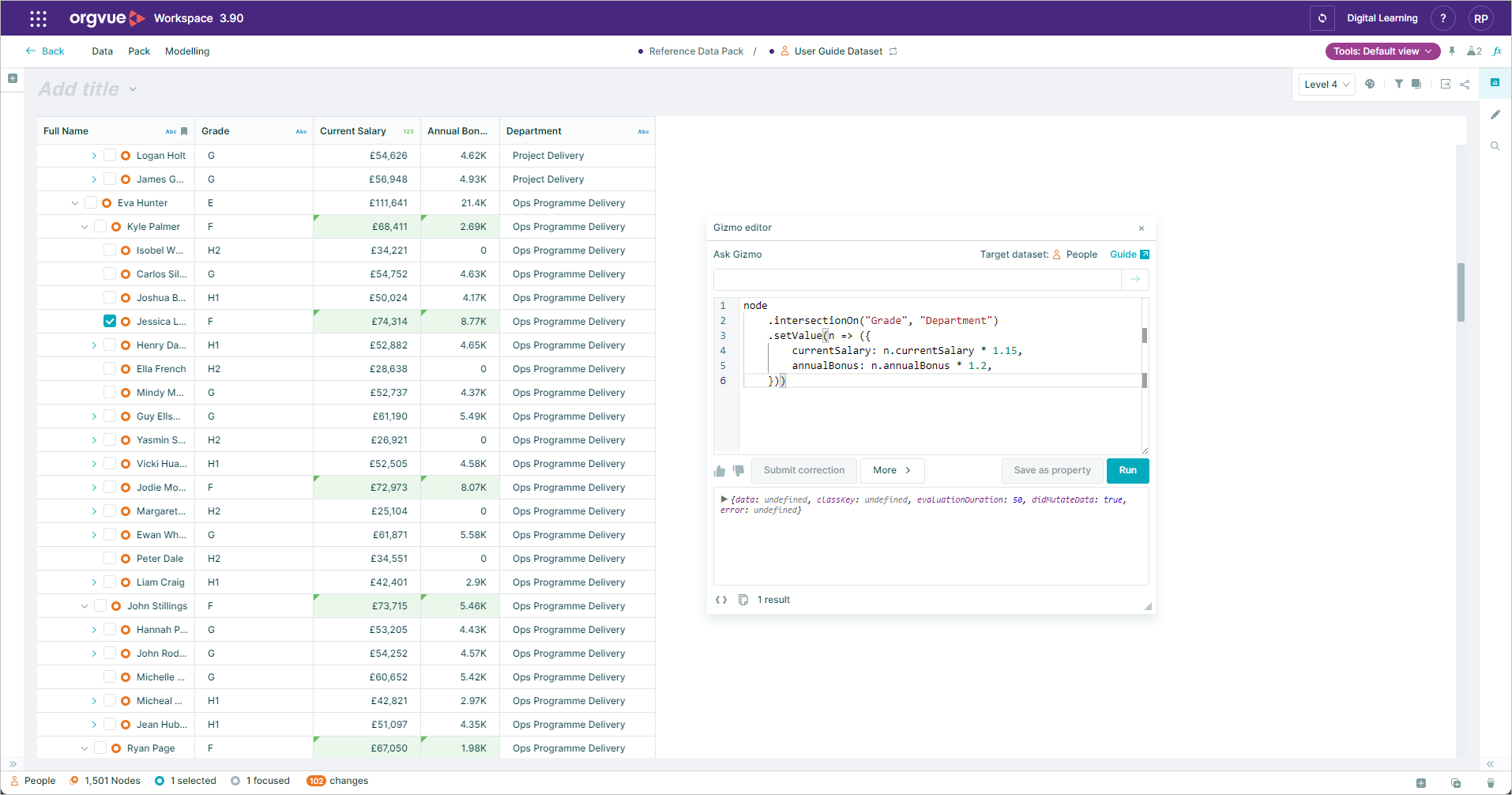
Explanation of the script:
node.intersectionOn("Grade", "Department"): The code starts by selecting nodes that have the same value for both "Grade" and "Department"
.setValue(n => ({currentSalary: n.currentSalary * 1.15,annualBonus: n.annualBonus * 1.2,})): It then sets new values for the currentSalary property of each selected node, increasing it by 15% (1.15 times the original value). Similarly, it updates the annualBonus property for each node, increasing it by 20% (1.2 times the original value).