Filtering
If you want to filter the nodes according to some condition or a specific property value, the filter() expression returns all nodes for which the condition is true
It takes the generic form of:
nodes().filter([condition])
The most efficient way to filter nodes based on properties is to use filter() in combination with the is. predicate library
Some examples using the is predicate library in filters() would be
Filter on the value of a property
In its simplest form nodes may be filtered based on the one property containing a single value
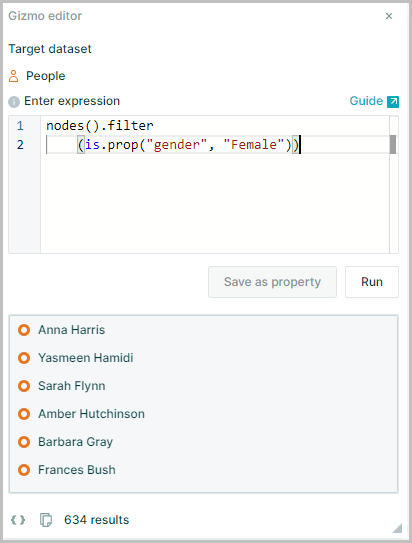
To list all the women in the organization:
nodes().filter(is.prop("gender", "Female"))
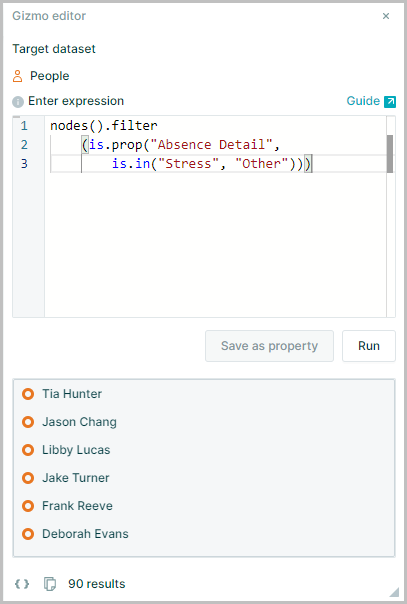
This can be extended further to filter for multiple values in a property using the .in function
nodes().filter
    (is.prop("Absence Detail",is.in("Stress", "Other")))
In this example the expression has returned a collection of nodes who have the "Absence Detail" reason of either "Stress" OR " Other" using the .in function
Filter on a node function
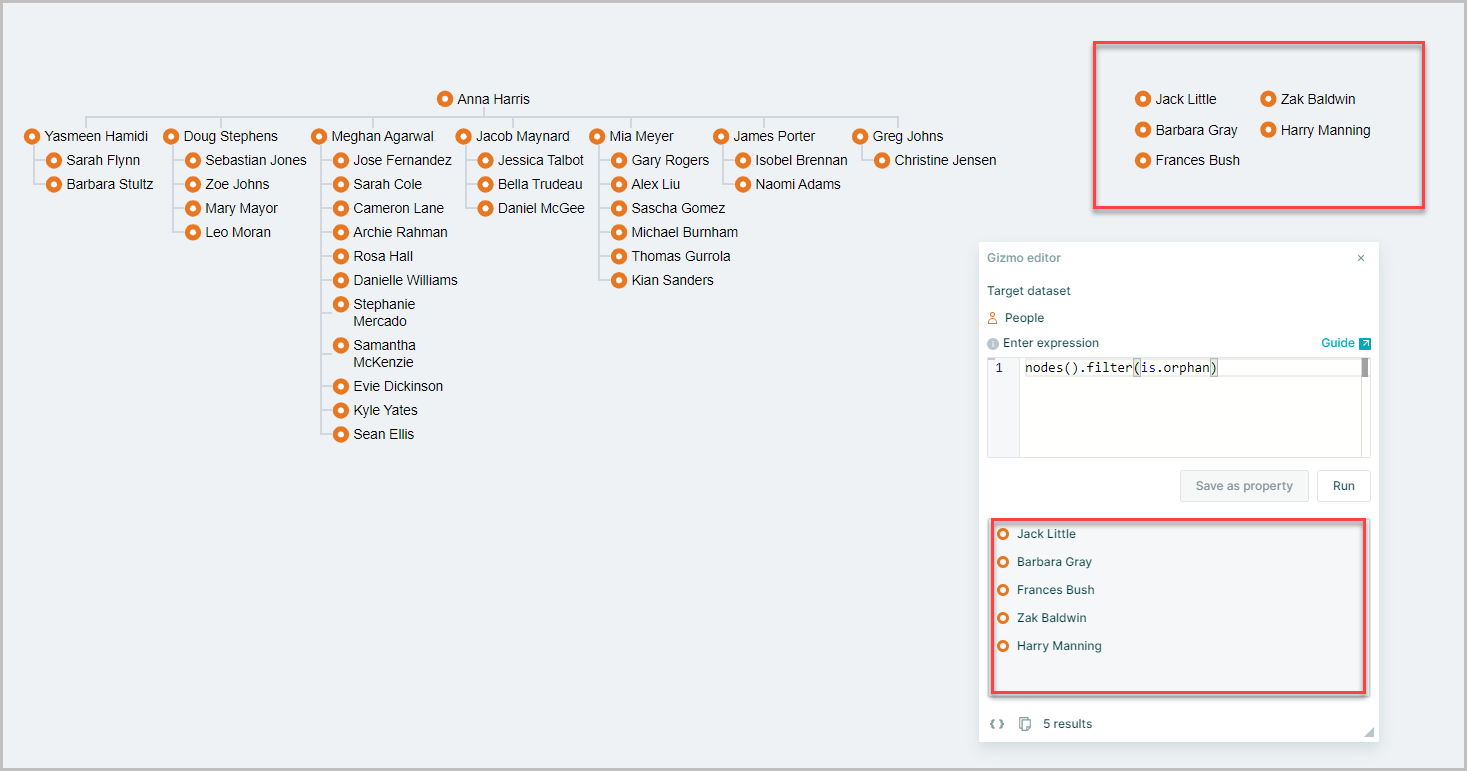
This method allows filtering based on a generated property using Is Node Functions. See also Generated Properties for further details of generated properties
To list anyone without a manager or reports
nodes().filter(is.orphan)
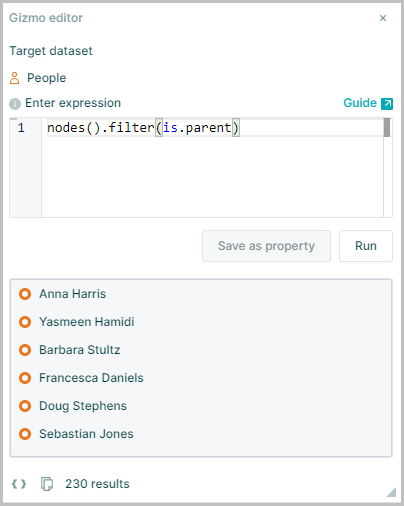
To list all managers
nodes().filter(is.parent)
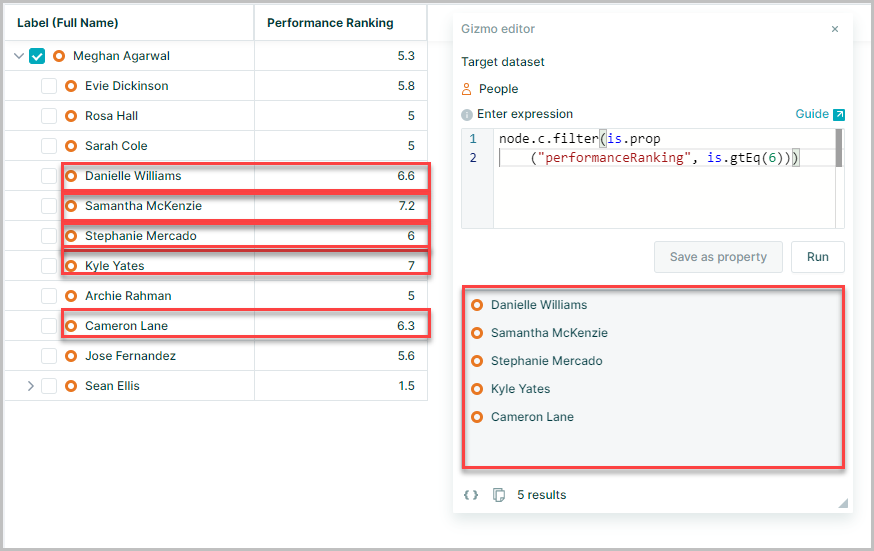
Filter children of a node using a property
List all of someone’s direct reports with an Performance Ranking score greater than or equal 6
node.c.filter(is.prop("performanceRanking", is.gtEq(6)))
Filter using a lambda
Lambda expressions n => n allow you to take a set of collections and apply a method to every member of the collection see Lambda Expression for more details
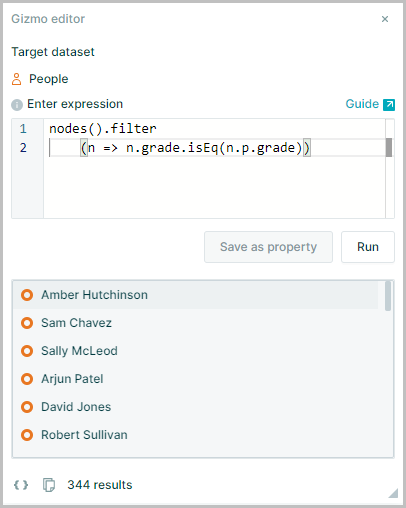
List the employees whose grade is the same as their parent's grade
nodes().filter(n => n.grade.isEq(n.p.grade))