Aggregating numbers
It is possible to Aggregate the many values in a defined collection of nodes into one number using one of the Aggregator functions:
sumSumavgAveragecntCountmaxMaximumminMinimum
Note that aggregators only work for numerical properties
Sum
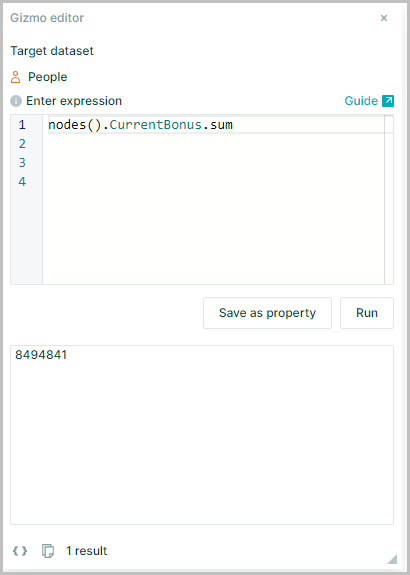
To calculate the total amount paid out as bonuses for all nodes
Specify the collection and add the aggregator sum
nodes().currentBonus specifies the collection on which you want to perform the operation – “Current bonus” for all employees.
Putting ‘sum’ after the collection will add all numbers within the collection and return the result as one number which in the example shown is 8494841
nodes().CurrentBonus.sum
Sum and Format
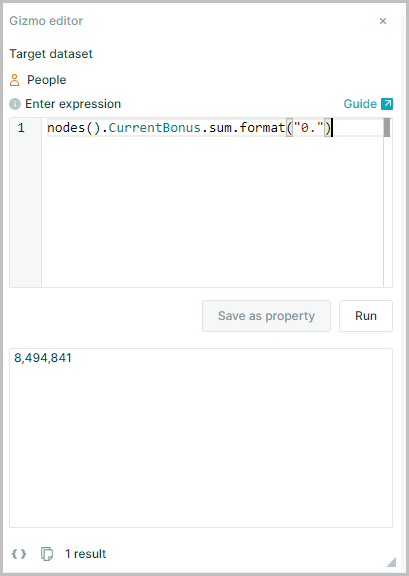
Format the sum of bonuses to includes "," between 000's
The sum of bonuses can be formatted as 8,494,841 by putting format("0.") at the end of the expression
nodes().CurrentBonus.sum.format("0.")
Note_: using .format() for rounding a number returns the result as a string and not a number
To return the result as a number, use .round(), .floor() or .ceil()
Average of Direct Reports
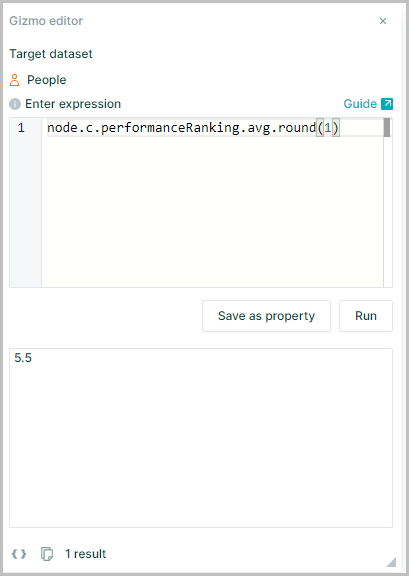
To calculate average “Performance ranking” of a manager’s direct reports rounded to one decimal place
Aggregators may be used in combination with Relationship Operators such as c, s, p and d
Specify the collection and add the aggregator avg
node.c.performanceRanking.avg.round(1)
node.c.performanceRanking defines the collection you want to perform an operation, i.e. performance ranking of the children of the selected node
The aggregator .avg will take the averages of all the values (performance ranking) in the collection and return it
.Round(1) then rounds the result to one place
Distinct Cnt
To see the number of unique entries for "Hours Worked Per Week"
Use distinct.cnt
nodes().HoursWorkedPerWeek.distinct.cnt
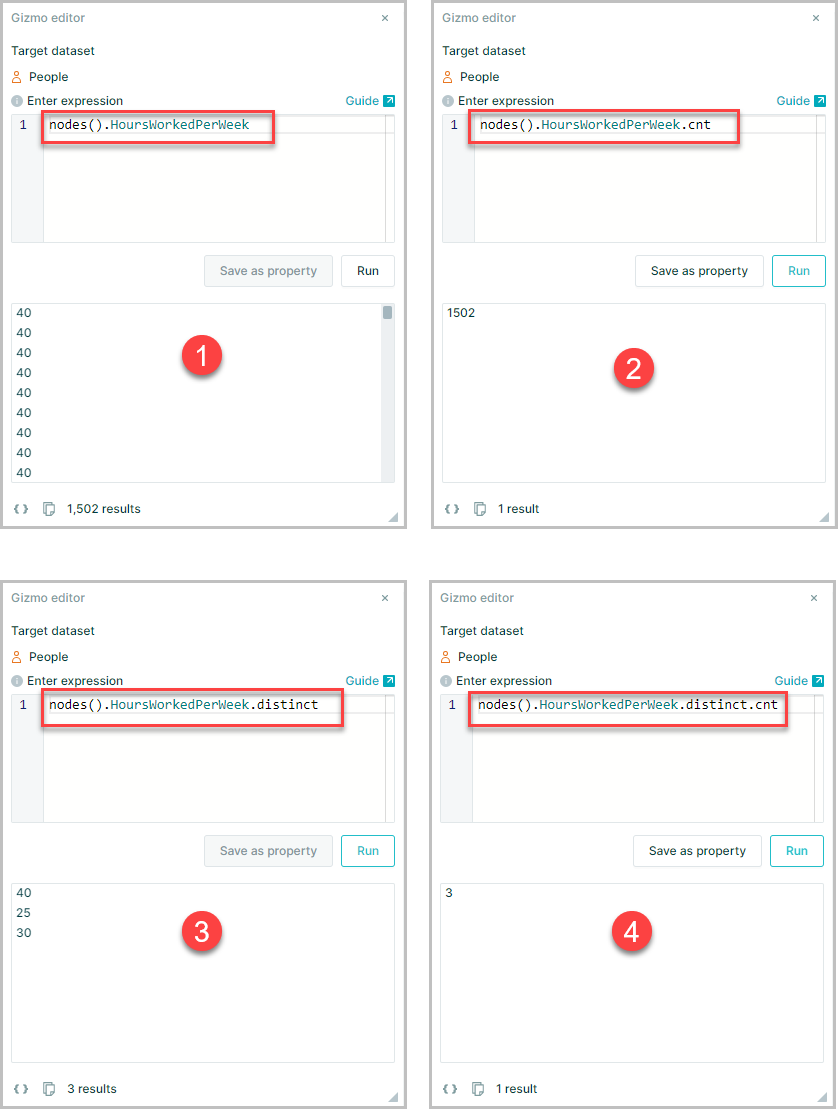
nodes().HoursWorkedPerWeekwill return the list of hours per week for the whole organizationnodes().HoursWorkedPerWeek.cntwill count the values within the defined collection – 1502nodes().HoursWorkedPerWeek.distinctreturns the same collection without repeated values – 40, 25, 30.nodes().hoursWorkedPerWeek.distinct.cntcounts the distinct values in the collection – 3.
Note: .cnt only counts numbers in the collection for text properties count should be used as this will count values whether they are numbers or not
Distinct Count
To see the number of unique entries for "Department"
Use distinct.count
nodes().Department.distinct.count
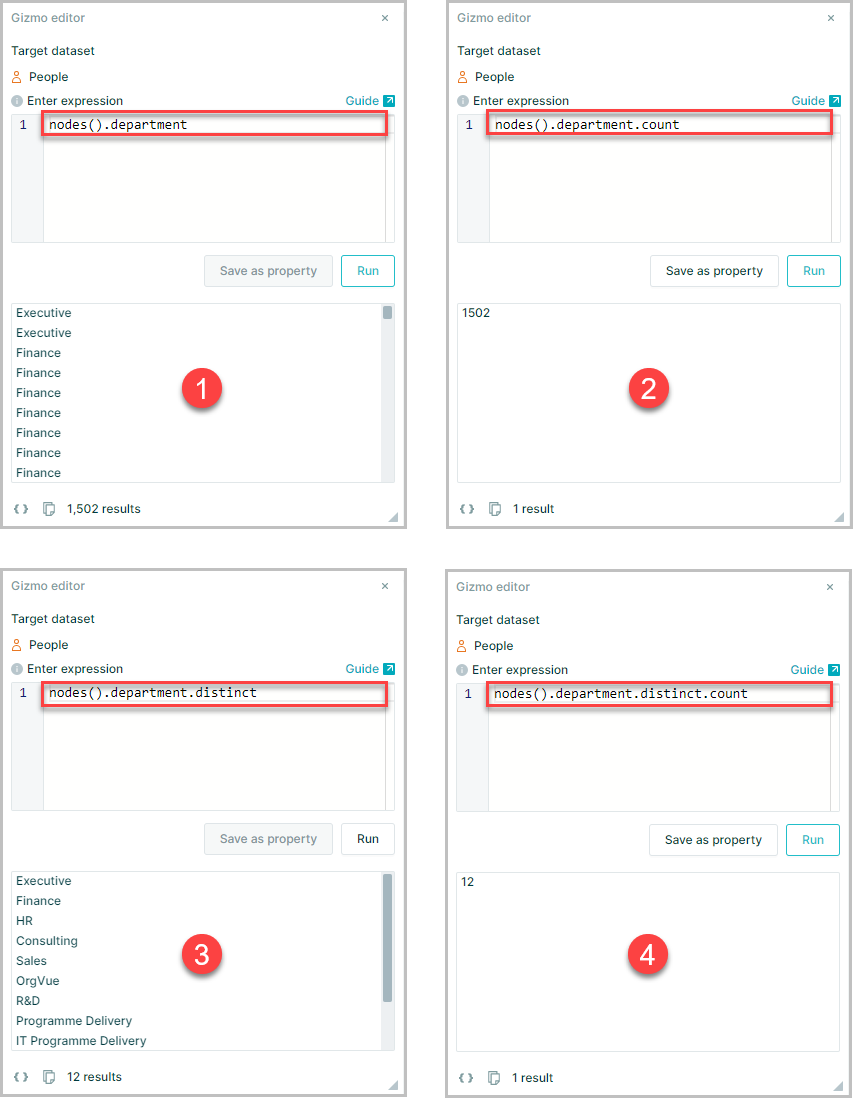
nodes().Departmentwill return the list of Departments for the whole organizationnodes().Department.countwill count the values within the defined collection – 1502nodes().Department.distinctreturns the same collection without repeated values – Executive, Finance, HR, Consulting etcnodes().Department.distinct.countcounts the distinct values in the collection – 12
cnt or count
.cntonly counts numbers in the collection.countis the length of the collection, i.e. total count of values whether they are numbers or not
In the examples above counting the distinct values for "hoursWorkedPerWeek" .cnt should be used while counting the number of distinct "departments" requires the use of .count
Max
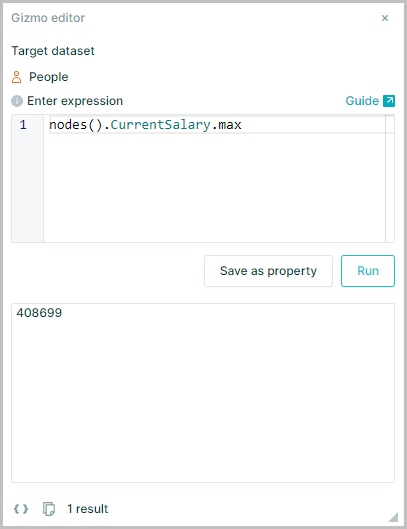
To calculate the maximum salary of anyone in the dataset
Specify the collection and add the aggregator max
nodes().CurrentSalary.max
nodes().currentsalary specifies the collection on which you want to perform the operation – “Current salary” for all employees.
Putting .max after the collection will find the maximum of all numbers within the collection.
Max of Children
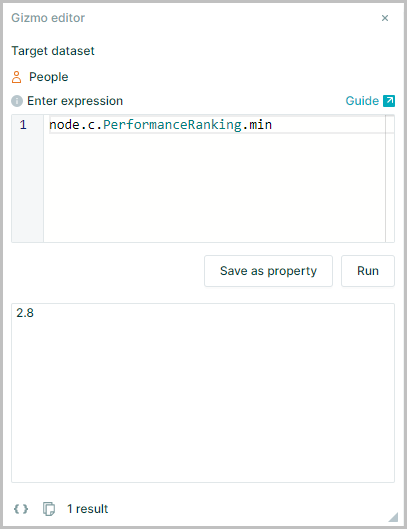
To calculate the minimum Performance Ranking of anyone in a team
Specify the collection and add the aggregator min.
node.c.PerformanceRanking.min
node.c.performanceRanking specifies the collection on which you want to perform the operation “Performance Ranking” for all the direct reports of the selected employee.
Putting .min after the collection will find the minimum of all numbers within the collection.