Basic arithmetic calculations
The .math() function may be used in conjunction with standard Arithmetic Operators to create calculations based on numeric properties in Orgvue data
When combined with the Format() function the results of the calculation can be formatted as required
It should be noted that using format() on a number will also convert it to a string
For this reason the use of one of the Precision methods .round(), .ceil(), .floor() or .trunc() should be considered best practice
Add Two Properties
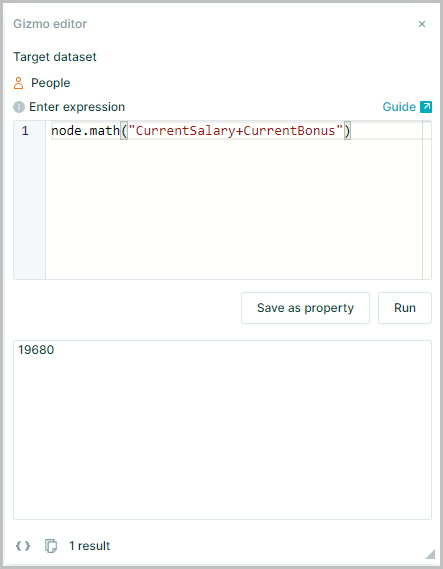
Two number properties may be added together to create a new property for use in data analysis
node.math("CurrentSalary+CurrentBonus")
Calculate Percentage
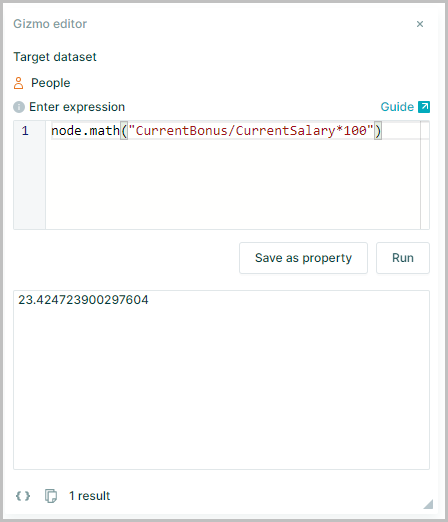
Division and multiplication can be combined to provide percentages
node.math("CurrentBonus/CurrentSalary*100")
Calculate and Format Result
Results are returned with up to 17 decimal places shown
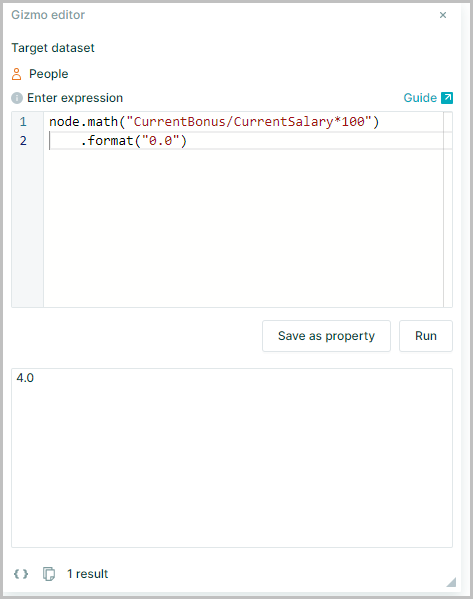
Putting .format() at the end lets you shorten the value into the desired format, e.g. .format("0.0") will return 7.2
node.math("CurrentBonus/CurrentSalary*100").format("0.0")
Using .format() returns a string. To return the result as a number use the .round() function
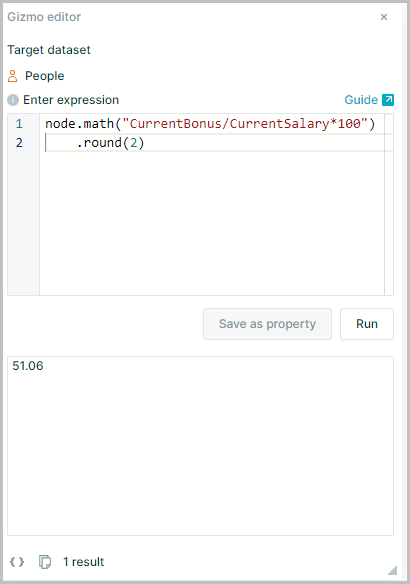
Calculate and Round Result
Using .round() returns a number rounded to specified places rather than a string
node.math("CurrentBonus/CurrentSalary*100").round(2)
Calculate with Relationship Properties
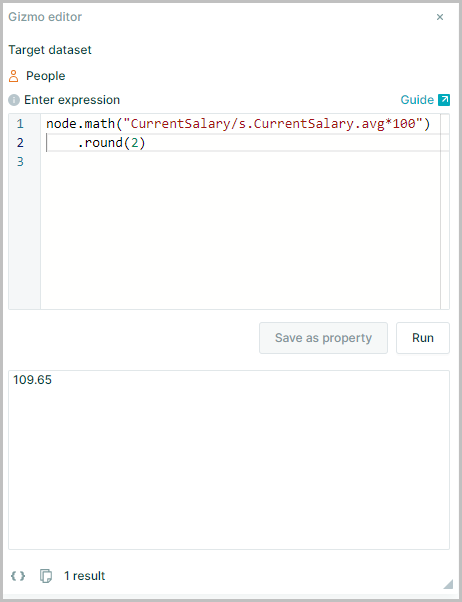
It is possible to combine .math() with Relationship Operators such as c, s, p and d and Aggregators to perform calculations too
node.math("CurrentSalary/s.CurrentSalary.avg*100")