Advanced mathematical operations
There are a range of Math.something()functions for performing more complex mathematical expressions
Important when using the Math.something() functions Math must be capitalized
These functions all take a similar form and all require arguments in (), e.g. Math.function(argument) (with the exception of Math.PI).
Functions include:
Power
Math.pow(x,y) Returns the value of x raised to the power of y
Math.pow(5, 2)
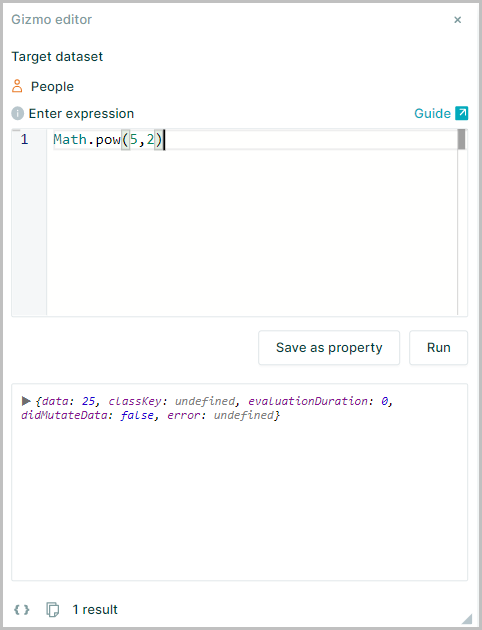
The example shown works in the Gizmo editor as it is typed however when you want to display values across cells in a dataset, you will usually need to reference the node within the expression
Math.pow(node.age,2) will work as a cell value, because it references the node. But Math.pow(5,2) will not work as a cell value
Square Root
Math.sqrt(x) Returns the square root of x
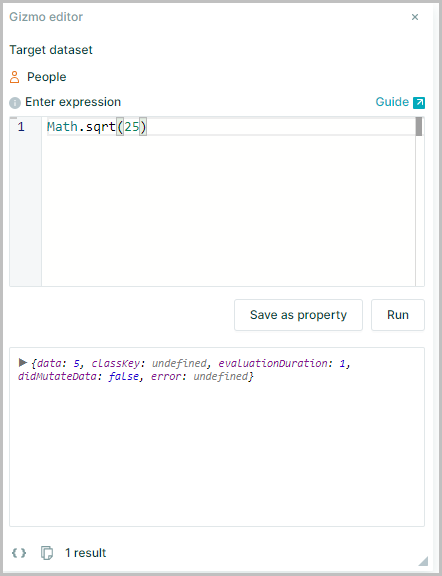
Math.sqrt(25)
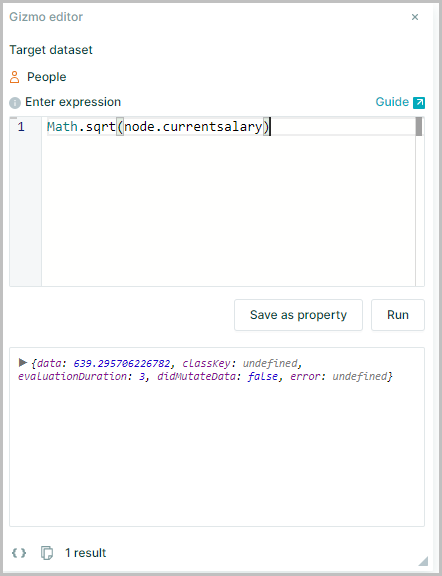
Math.sqrt(node.currentsalary)
Absolute Values
Math.abs(x) Returns the absolute value of x without regard to its sign
Math.abs(-4)
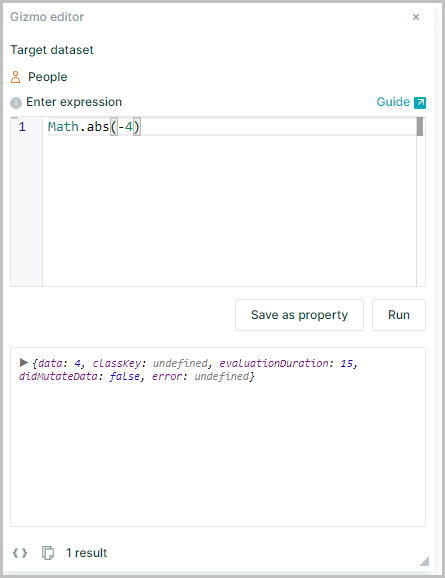
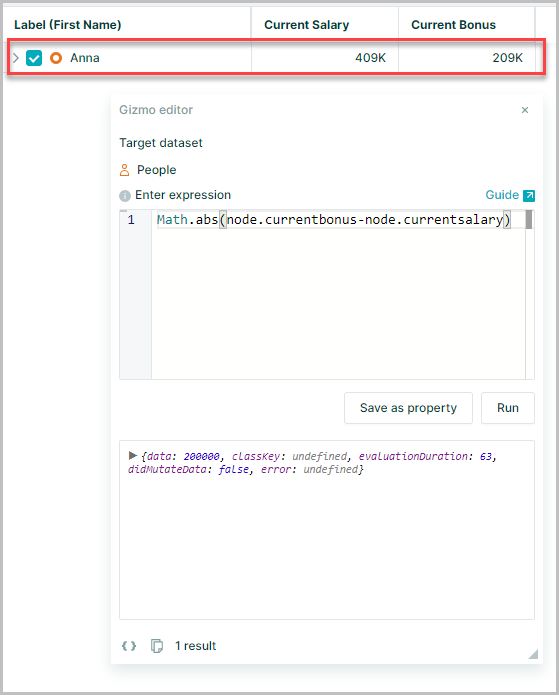
This can be used when conducting mathematical calculations which may result in negative values to find the actual difference
For example subtracting current salary from current bonus for this node would normally result in a negative value of -200000
Math.abs(node.currentbonus-node.currentsalary)
Natural Logarithms
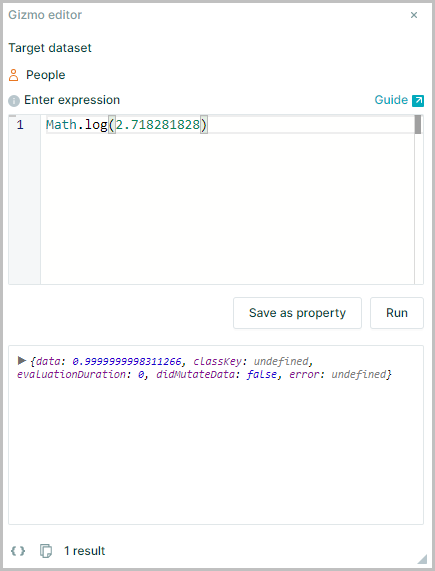
Math.log(x) Returns the natural logarithm (base e; commonly approximated as 2.71828) of x, for example,
Math.log(2.718281828)
Random Number Generation
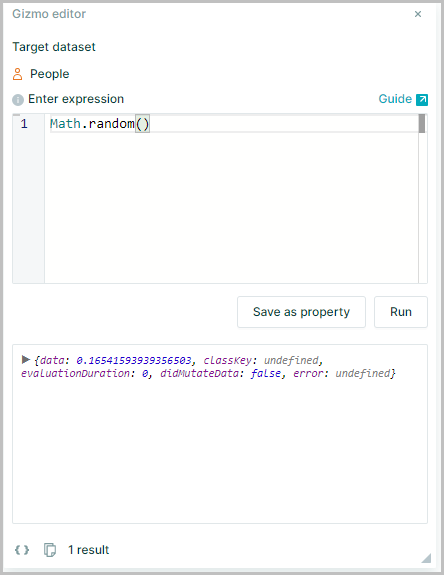
Math.random() Returns a random number between 0 and 1
PI π
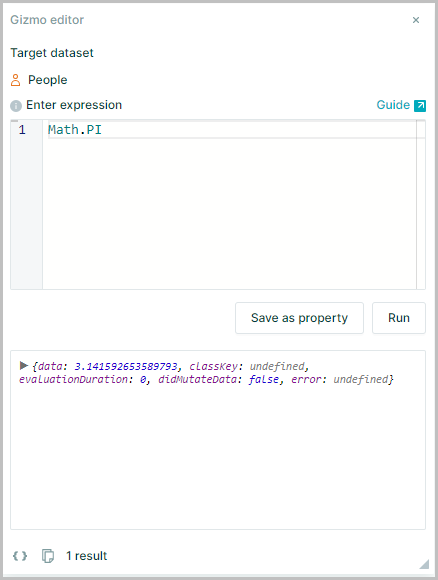
Math.PI Returns π (pi), the ratio of a circle's circumference to its diameter, commonly approximated as 3.14159
Note:
PImust be entered in upper case